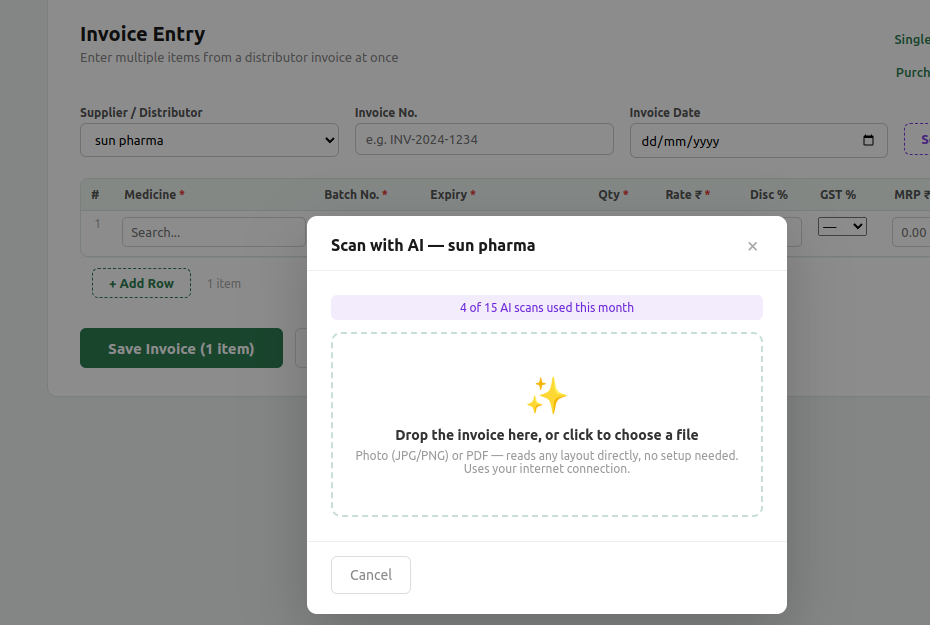
How does Scan with AI work? +
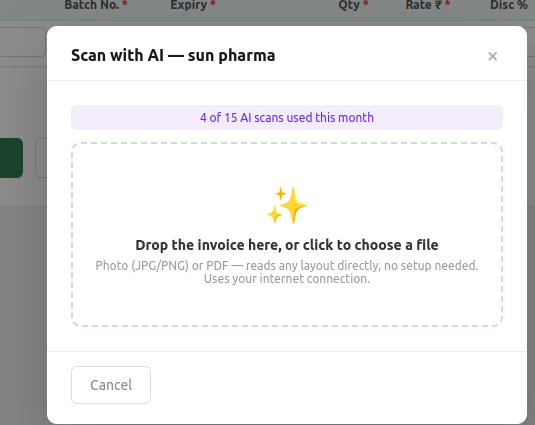
Take a photo of a distributor invoice, or upload the PDF your distributor emailed. An AI vision model reads the supplier, invoice number and every line item — medicine, batch, expiry, quantity, rate, MRP, GST and HSN. You review the rows on screen (uncertain reads are highlighted), fix anything wrong, and save. Stock is added to your inventory in one step. It reads any distributor's layout without any setup.
Is the AI invoice scan accurate? +
It is very good on clean PDFs and clear photos, and getting better. It is not a replacement for checking — MedixoRx always shows you every extracted row and flags the uncertain fields so you confirm against the paper invoice before saving. A clear photo or the distributor's emailed PDF gives the best results. Manual purchase entry is always available and unlimited.
Does Scan with AI work offline? +
No — this one feature needs an internet connection, because the invoice is read on our secure cloud. Everything else in MedixoRx (billing, inventory, returns, reports) works fully offline. When you're offline, the Scan with AI button is disabled and the app tells you a connection is needed. You can always enter the invoice by hand instead.
Is there a setup fee? +
No. There is no setup fee. You only pay the annual plan — ₹2,999 to ₹5,999 depending on which plan you choose. Account creation, installation and onboarding are included; we walk you through everything on a call. A 30-day free trial is available before you pay anything.
Does MedixoRx have a Schedule H / H1 register? +
Yes. Every sale of a Schedule H or H1 medicine is logged with the date, patient name, doctor name and prescription number. The register can be filtered by date and schedule, printed or saved as PDF, and exported as CSV with a signature column — ready to show a drug inspector under Rule 65(11A). Sales missing a prescription number are highlighted so you can follow up.
Does it work without internet? +
Yes, completely. Billing, inventory and purchase entry all work 100% offline on your own computer. Internet is only needed for cloud backup, license verification (once every 30 days), and the AI invoice scan.
Is it GST compliant? +
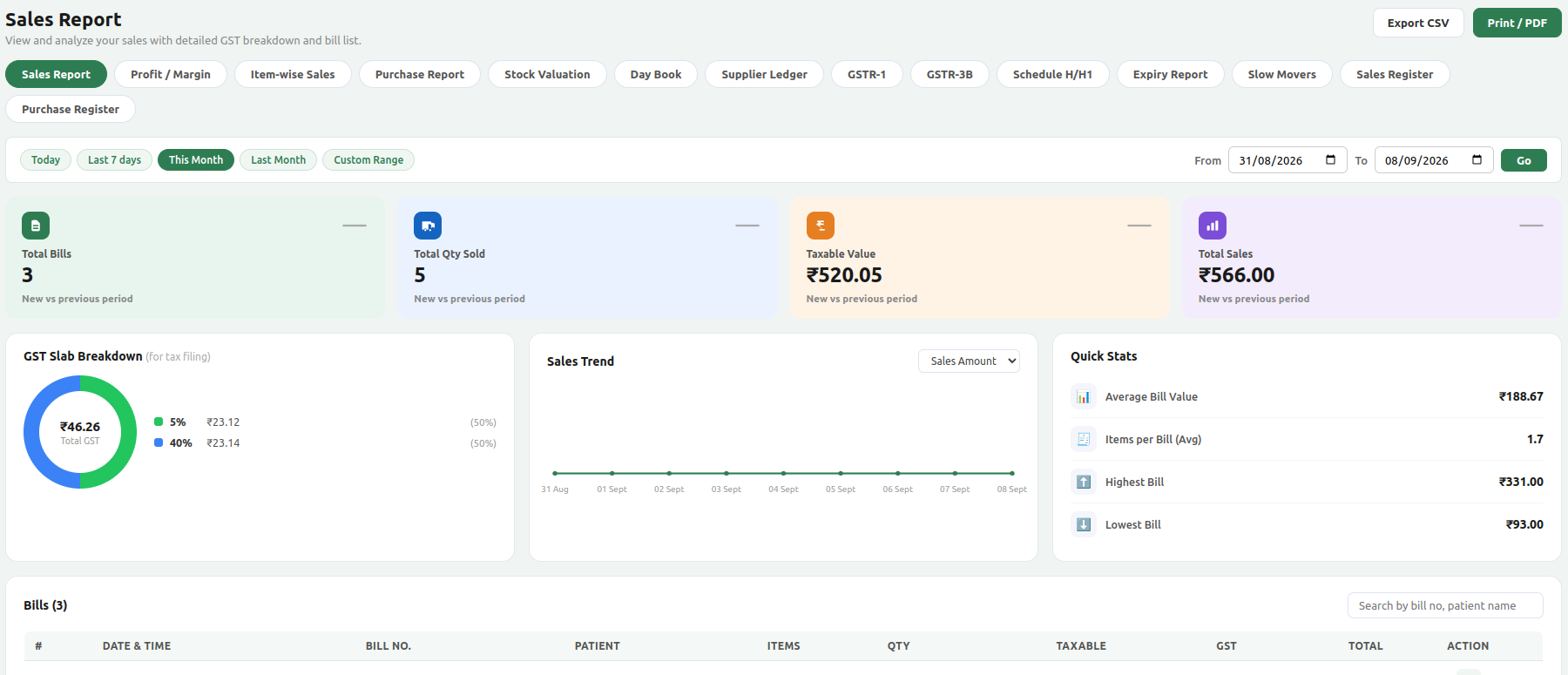
Yes. Every bill includes CGST and SGST breakdown, HSN codes, your GSTIN and item-level tax details. MedixoRx generates ready-to-file GSTR-1 (Table 7 and 12) and GSTR-3B (Table 3.1 plus ITC Table 4, auto-computed from supplier GSTIN). Download the CSV and share it with your CA or upload to the GST portal.
What computers does it support? +
MedixoRx runs on Windows 10/11 and Linux. A basic computer with 4GB RAM is enough. No special hardware required. Works with any printer Windows supports, including 80mm thermal printers.
Can I use it on 2 computers in my store? +
Yes. The Standard (₹3,999/yr) and Premium (₹5,999/yr) plans support multiple billing counters over your local WiFi. Both counters share the same inventory and bill history in real time — no internet needed.
What happens when my subscription expires? +
You get a reminder 30 days before expiry. After expiry there is a 30-day grace period where billing still works. After that, billing is paused until renewal. Your data is never deleted.
Is my data safe? +
Your data is stored locally on your computer — not on any public server. It syncs encrypted to our secure cloud backup when you're online. Even if your computer crashes, your data is safe in the cloud and restores in one click on a new machine.